How to Make Custom Tumblers: 5 Easy Methods
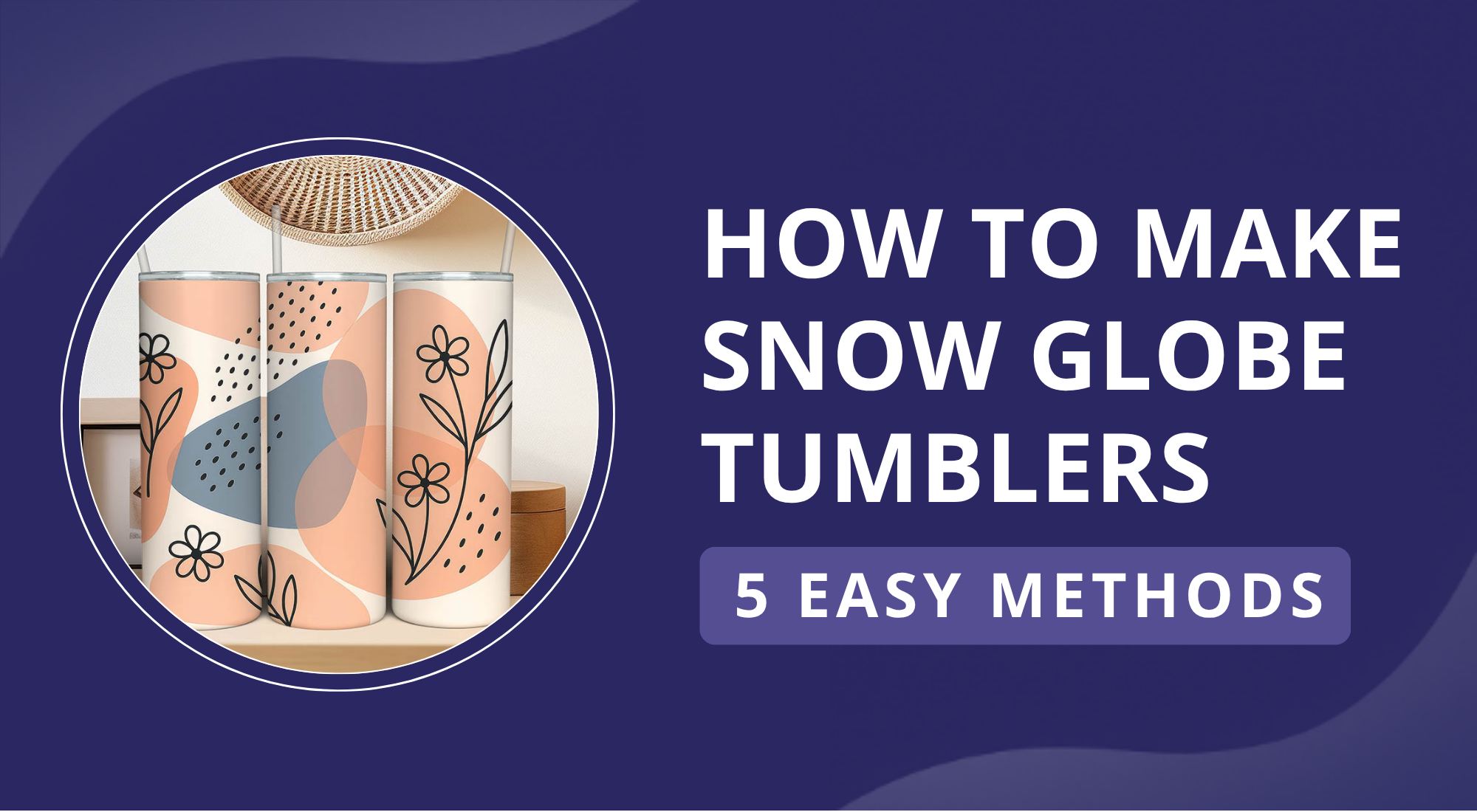
Custom tumblers are popular because they mix style with everyday use. People carry them to work, school, or the gym. A plain cup does the job, but a custom design makes it personal and fun.
Making your own tumbler at home is much easier than most people expect. With the right approach, anyone can turn a simple cup into something unique. You do not need special skills or expensive tools to get started.
There are many creative methods to try, from advanced designs to quick DIY options. This guide will show you five easy ways, step by step, with pros and cons for each.
6 Common Methods for Making Custom Tumblers
Custom tumblers are a favorite for daily use and are often chosen as gifts because they show personal style. There are many simple ways to design them at home, each giving a unique look. Tumblers can be customized in many different ways. Let’s explore the 6 most common methods.
Method 1: Make Custom Tumblers with a Laser Engraver
Laser engraving uses a focused beam to etch designs onto a tumbler’s surface with sharp detail. Stainless steel and powder-coated tumblers work best for this method. A rotary attachment helps the engraver mark the entire cup evenly. The results are precise, permanent, and durable, making laser engraving a favorite choice for personalized tumbler designs.
What You'll Need for Laser Engraving Tumblers:
Getting ready is simple with the right tools. Make sure you have the items below so your engraving process runs smoothly.
- Diode or fiber laser engraver: A rotary attachment is helpful for working on curved tumblers.
- Stainless steel or powder-coated tumbler: These surfaces hold designs well and give a clean finish.
- Masking tape or wet paper towel: Use these if needed to protect surfaces during engraving.
- Design software: Options like LightBurn or LaserPecker Software & App help you create and edit your designs.
- Ventilation: Keeps your workspace safe by removing fumes during engraving.
Step 1: Prepare Your Design
Open your design in software like LightBurn or the LaserPecker app. Resize it to fit the tumbler, check the layout, and mirror or adjust if needed. Before engraving the tumbler, test the design on a flat scrap piece of similar material to spot sizing or placement issues early.
Step 2: Set Up the Tumbler
Attach the rotary module and place the tumbler securely on it. Clean the surface to avoid debris and check that it sits level for smooth rotation. Tighten the rollers or clamps so the tumbler will not slip. A stable, balanced setup prevents wobbling and helps avoid misalignment during engraving.
Step 3: Adjust Settings and Engrave
Set power, speed, and focus based on the material, using higher power for stainless steel. Start engraving once ready, monitor progress carefully, and use good ventilation with masks and eye protection for safety.
Step 4: Clean the Tumbler
Clean the Tumbler Thoroughly, Remove Engraving Residue, and Pay Attention to the Lid and Straw for a Complete, Polished Finish
✔️ Pros of Laser Engraving Tumblers
Durable and Permanent: The marks do not peel, fade, or scratch, making them long lasting.
Professional Finish: Creates sharp, detailed, and high-contrast results on stainless steel and powder-coated cups.
Wide Design Customization: Works with text, logos, and detailed patterns with precision.
No Consumables Needed: No ink, vinyl, or adhesives are required.
Business Potential: Custom tumblers are in demand, giving engraving strong income opportunities.
❌ Cons of Laser Engraving Tumblers
Higher Initial Cost: The machine and rotary tools are costly for casual users.
Ventilation Required: Engraving makes smoke and fumes that need airflow.
Learning Curve: Beginners may need practice to engrave curved surfaces neatly.
Method 2: Make Custom Tumblers with UV Printer
UV printing gives tumblers a professional finish by curing special inks with ultraviolet light. The ink bonds to the surface, creating a durable layer instead of removing material. This method works well on metal, plastic, acrylic, and glass, allowing wide design flexibility. It produces full-color results with photo-level detail, perfect for both simple logos and complex artwork. Once mainly used in shops, smaller desktop UV printers now make custom printing possible at home.
Step 1: Prepare Your Design
Open design software such as Adobe Illustrator or your printer’s app. Create or import your artwork and set the canvas size to match the tumbler. This prevents stretching or cropping later. Keep the resolution high for photos or details. Once your design looks sharp, export the file in a format the printer supports, like PNG or PDF.
Step 2: Prepare the Tumbler
Set the tumbler on the rotary jig inside the printer. Make sure it is at room temperature to avoid condensation that weakens adhesion. Wipe the surface clean and use primer if it is smooth or coated. Lock it firmly in place. Check the alignment so it prints straight.
Step 3: Print and Cure
Set the correct print settings for the tumbler material and ink. Keep print heads clean to avoid streaks or uneven curing. Start the process as UV light cures the ink right away. Let the tumbler rest briefly to finish curing. For stronger protection, add a clear coat once printing is done.
✔️ Pros of Making Custom Tumblers with a UV Printer
Full-Color Printing: Produces bright, detailed images and smooth gradients.
Smooth Surface: Ink layers are thin and even to the touch.
Fast Output: Once set up, printing is quick and consistent.
Personalization Options: Each tumbler can be made unique, even in small runs.
❌ Cons of Making Custom Tumblers with a UV Printer
Not Fully Permanent: Ink may fade or chip without added coating.
Higher Setup Cost: Printers use costly inks and need regular care.
Limited Durability: Less scratch-proof and dishwasher-safe than engraving.
Surface Prep Needed: Some tumblers require primers for strong ink hold.
Method 3: Make Custom Tumblers with Cricut
Cricut machines do not engrave metal, but they offer an easy way to personalize tumblers. You can cut vinyl decals for colorful designs or make stencils that work well for etching or painting. This method fits stainless steel, coated, or plastic tumblers. Beginners like it because it avoids costly tools such as lasers or UV printers. With simple steps and basic supplies, Cricut users can craft unique tumblers that match their style.
Step 1: Design Your Artwork
Open Cricut Design Space to create or upload your design. Adjust the size to match the tumbler’s curved surface. Keep shapes bold and simple for smooth transfer. Use a tumbler template or mockup to preview the placement before cutting.
Step 2: Cut and Weed the Vinyl
Place the vinyl flat on a cutting mat for accuracy. Send your design to the Cricut for cutting. Afterward, weed away unwanted vinyl with a weeding tool, leaving only the design ready for transfer.
Step 3: Apply Transfer Tape
Place transfer tape over the weeded design and peel off the vinyl backing so it sticks to the tape. Press down with a scraper or credit card to secure it firmly. This helps the vinyl stay in place and makes transferring onto the tumbler smooth.
Step 4: Place the Vinyl on the Tumbler
Clean the tumbler surface, then position the vinyl design using transfer tape. Press firmly and smooth out any air bubbles with a scraper or card. For curved designs, cut small slits in the transfer tape to prevent wrinkles and achieve a smoother application.
Step 5: Remove Transfer Tape
Peel the transfer tape back slowly at an angle, press down edges if needed, then check the vinyl for bubbles and smooth gently with a cloth.
✔️ Pros of Making Custom Tumblers with a Cricut Machine
Affordable and Beginner-Friendly: Easy for new users to start creating.
Versatile Uses: Works on mugs, bottles, glassware, and more.
Personalization Options: Add names, graphics, or logos for unique designs.
Gift and Business Potential: Great for personal gifts or small business products.
❌ Cons of Making Custom Tumblers with a Cricut Machine
Not Permanent: Vinyl may peel or fade with regular washing.
Manual Application: Careful placement is needed to avoid bubbles or misalignment.
Method 4: Make Custom Tumblers via Heat Press
Using a heat press, designs are applied to coated tumblers with heat and pressure. The process works best on polyester or polymer-coated surfaces, which allow the print to bond firmly. This method produces bright, full-color designs that last over time. You need a tumbler heat press, coated tumblers, and sublimation transfer paper.
Step 1: Prepare Your Design
Start by creating or importing your design in software. Use high-quality formats like PNG, TIFF, or a sharp JPEG to keep colors clear. Check resolution and colors for sublimation. Print the design mirrored onto sublimation transfer paper using sublimation ink.
Step 2: Prepare the Tumbler
Place the tumbler on the rotary attachment or a secure jig. Wipe it clean, dry, and free from dust or grease to support smooth printing. Inspect for scratches, dents, or coating flaws, since defects can block even ink transfer and lower the final quality.
Step 3: Heat Press the Design
Wrap the printed transfer paper tightly around the tumbler and secure it with heat-resistant tape. Set the heat press to about 400°F for 6 to 7 minutes, or follow the manufacturer’s guide. Start the press so the tumbler rotates evenly and the heat transfers the design. Always wear heat-proof gloves because the tumbler and press will be very hot.
Step 4: Remove and Cool
Carefully remove the tumbler from the heat press using protective gloves. Peel the transfer paper while warm for brighter colors, or wait until it cools slightly to reduce smudging. Allow the tumbler to cool fully before handling.
✅ Pros of Making Custom Tumblers with a Heat Press
Vibrant Full-Color Designs: Produces bright, photo-quality images with fine details and smooth gradients.
Durable and Dishwasher Safe: Properly done designs resist fading and washing, lasting through regular use.
Personalization Appeal: Works well for gifts or small business needs since each tumbler can feature a unique design.
❌ Cons of Making Custom Tumblers with a Heat Press
Requires Special Coated Tumblers: Only works on polyester-coated surfaces, limiting material options.
Expensive Equipment Needed: A heat press, rotary attachment, sublimation printer, and inks raise the cost.
Setup Time and Skill: Precise temperature, pressure, and timing are required to avoid smudges or fading.
Limited to Curved Surfaces: Larger or unusual shapes might not press evenly.
Color Matching Issues: Printed results may differ from digital previews, which often frustrates beginners.
Method 5: Make Custom Tumblers via Heat Press
Waterslide decals let you add detailed designs to tumblers with ease. The artwork is printed on special paper, then soaked in water so the layer can slide free and attach to the surface. Once applied, the image looks smooth and colorful with clean edges. A clear sealant or epoxy is placed on top to protect the finish. This approach works well for DIY projects and creative designs.
Step 1: Print Your Design
Print your logo or artwork on waterslide decal paper with the correct printer type. Size the design to fit your tumbler and leave a small border for easy trimming. Use clear paper for lighter colors and white-backed paper for darker designs.
Step 2: Prepare the Tumbler
Wipe the tumbler with rubbing alcohol or mild soap and water. Remove dust, oils, or grease. Avoid harsh cleaners. A spotless surface helps decals stick well and prevents bubbles or wrinkles.
Step 3: Soak and Apply the Decal
Cut out the printed decal and place it in water for about 30 seconds or as the instructions suggest. Once it loosens from the backing, slide it gently onto the tumbler and set it in place. Smooth out bubbles and extra water with a soft cloth or sponge. If you are applying more than one decal, start with the largest first, then add smaller ones.
Step 4: Dry and Seal
Let the decal dry fully for several hours or overnight in a space with good airflow. Once dry, seal it with a clear coat spray or epoxy resin for protection against scratches, fading, and water damage. Choose glossy, matte, or satin finish for your preferred look.
✅ Pros
Full-Color, Detailed Designs: Produces photo-quality images with gradients.
Affordable and Minimal Equipment: Only needs a printer and decal paper.
Smooth Finish: Decals sit flat for a clean surface look.
Versatile: Works across many materials and shapes.
Custom Size Printing: Easy to trim for curves and smaller areas.
❌ Cons
Less Durable Without Sealant: Can peel, scratch, or fade too soon.
Careful Application Needed: Wrinkles and bubbles may appear.
Time Required: Drying and sealing take patience.
Printer Limitations: Whites and metallic shades may not print well.
Method 6: Sublimation Printing
Sublimation printing uses heat and pressure to transfer dye onto a coated surface. It is a digital method that allows detailed designs and bright colors to bond with the material instead of sitting on top.
For tumblers, only sublimation-ready cups should be used. These are usually stainless steel with a special polyester coating. The coating locks in the ink and helps the print look sharp, vivid, and long-lasting.
Regular tumblers are not suitable for this process. Without the coating, the transfer may not stick or the heat can damage the surface. Choosing the correct type of tumbler ensures a smooth and durable result.
Sublimation printing is praised for:
- Vibrant results: Sublimation uses high heat to fuse ink into the surface. This creates bright colors, sharp details, and smooth designs that do not peel or crack. Tumblers look polished and professional while keeping artwork true to the original design.
- Quick turnaround: Since sublimation is a digital process, no extra screens or plates are needed. That means you can move from design to finished product quickly. This works well for small runs, urgent orders, and new design ideas.
- Eco-friendliness: Dry inks bond with the material, which lowers waste during production. This makes sublimation a cleaner choice that reduces the impact on the environment. It also avoids extra chemicals or coatings.
Sublimation gives custom shops more than bright colors and speed. It can also bring long-term value to small businesses. While the equipment has an upfront cost, the low cost per item makes it practical for small batches and shops that offer custom work. Curious about the full process? Check out our complete guide to sublimation printing.
For DIY production, you’ll need an inkjet printer with sublimation ink, a tumbler heat press machine, and sublimation sheets. Those who prefer to skip setup and training can use a print-on-demand service. This lets you focus on creating designs without the work of in-house production.
For more inspiration, check out a valuable read: Your Complete guide to make a Sublimation Tumbler.
Conclusion
Laser engraving gives many ways to make a tumbler personal. You can add names, dates, or short messages with sharp detail. Beyond simple text, the tool makes it possible to apply logos and detailed designs that stay clear and permanent. This opens the door to truly unique results.
It also works for people at any skill level. Beginners can start with simple patterns, while advanced users can create detailed shapes or artwork. This flexibility makes it one of the most creative options for custom tumblers.
Check out our website ArtBubbles.com for beautiful tumbler wrap designs!